Checking Script Readiness
Before a script goes into a load test, it should replay cleanly, handle dynamic values, vary its data, validate its responses, and report per-step timings. The readiness check reviews all of that in one question.
Ask:
- Is the script ready for a load test?
- What is missing in this script?
- Review this script
- What should be improved before I use this script?
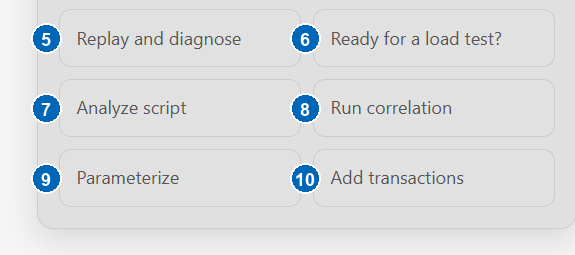
When a script is open, the same assessment is available from the Ready for a load test? quick action:
The assistant inspects the script and the last replay and reports:
- what the script already covers — recorded flow, transactions, validations, parameters, correlation;
- what is missing or weak — for example, no validations, hardcoded credentials, or an uncorrelated session value;
- the recommended next steps, in order.
A readiness result is evidence-based. If no replay evidence is available, the assistant distinguishes what it can verify from the script structure from what still needs a replay. A structural review alone is not proof that the script runs successfully.
Interpreting the result
| Overall status | Meaning |
|---|---|
| Ready | The inspected areas pass and sufficient execution evidence supports the conclusion. |
| Ready with minor improvements | No load-test blocker was found, but small maintainability or measurement improvements remain. |
| Not ready | At least one important or critical gap must be addressed before a load test. |
| Cannot determine fully | The available script or replay evidence is incomplete, so readiness cannot be proven yet. |
The evidence basis explains how strong the result is:
- Static only — based on script structure; replay behavior is still unknown.
- Execution evidence — based on a replay and its diagnostics.
- Mixed — combines the current script with available replay evidence.
Findings are ordered by impact. Critical findings block readiness; important findings materially affect correctness or measurement; minor findings improve quality without blocking a run; and informational findings provide context. An area marked unknown needs more evidence rather than an assumed pass or failure.
The readiness check is an assessment — it does not change the script. When it recommends an improvement, ask for it explicitly (for example, run correlation or parameterize the login fields) and the assistant starts the matching workflow with a proposal for your approval.
Read-only questions
The same workflow answers any inspection question, at any time:
- Which script is open?
- List the transactions, validations, and parameters
- What URLs were recorded?
- Show the recorder options
- Did the last replay pass?
Read-only questions never record, replay, or modify anything.